 eShram Card
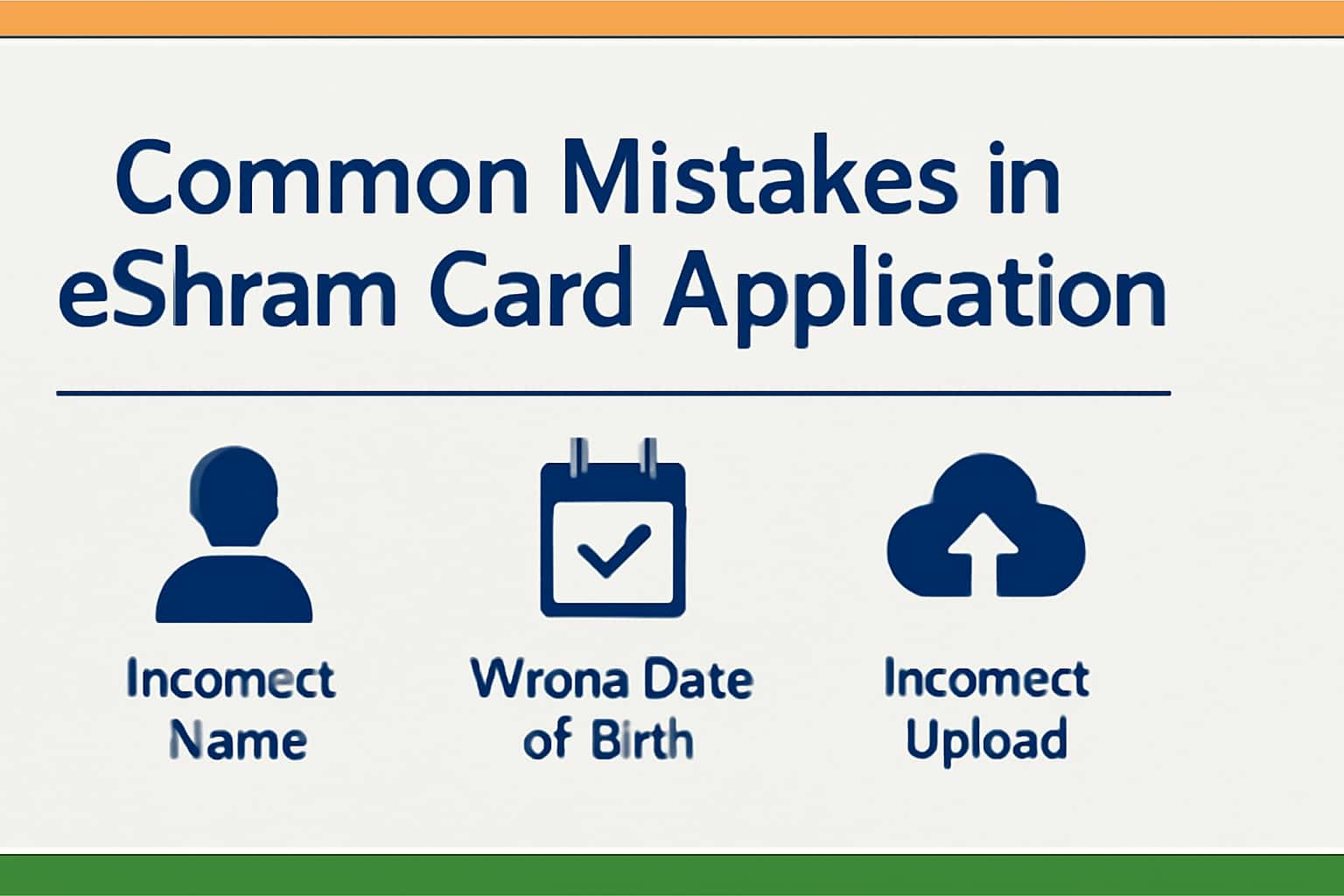
Applying for the eShram Card is a crucial step for unorganized sector workers seeking various benefits. However, many applicants make common mistakes that can delay the process. This guide aims to help you navigate the application smoothly and avoid those pitfalls. For more information on eligibility criteria, check out our Eligibility Criteria for eShram Card.
Who This Is For
This guide is intended for individuals applying for an eShram Card, particularly workers in the unorganized sector. If you are looking for assistance in the application process or want to know about the benefits, you've come to the right place.
- Unorganized sector workers
- Individuals looking for government benefits
- Anyone seeking guidance on the eShram Card application process
Eligibility & Requirements (Verify Official Notice)
Before applying for the eShram Card, it's essential to ensure that you meet all eligibility requirements. These criteria can change, so it's advisable to verify on official notices for the most accurate information. For instance, many applicants mistakenly believe they qualify based on age alone without checking their employment status.
- Must be a worker in the unorganized sector
- Age between 16 and 59 years
- No income tax registered
Documents Needed
To apply successfully, you'll need to upload specific documents. Ensure you have clear copies ready before starting the application. For detailed information, you can refer to the Documents Required for eShram Card Application. Many applicants have reported issues with document clarity, which can lead to application rejection. Make sure your Aadhaar and other documents are scanned in high resolution.
- Aadhaar card
- Bank account details
- Passport-sized photograph
Step-by-Step: How to Proceed
Follow these steps carefully to avoid common mistakes during the application process. Make sure to double-check your entries at each stage. For instance, incorrect spelling of your name or mismatched details from your documents can lead to delays. If you are unsure about the application form, consider seeking assistance from someone who has successfully completed the process.
- Visit the official eShram portal.
- Fill in personal details accurately.
- Upload necessary documents as required.
- Submit your application and keep a record of your application number.
Common Issues & Fixes
Many applicants face specific issues during the application process. Here are some common problems and their solutions. For example, if your application is rejected due to incorrect details, you should immediately check the entry against your official documents. Additionally, if you experience difficulties accessing the portal, ensure your internet connection is stable and that you are using a compatible browser.
If you encounter document upload failures, check the file formats and sizes specified on the portal before re-uploading.
- Incorrect details lead to application rejection – verify all information.
- Document uploads fail – check file formats and sizes.
- Difficulty in accessing the portal – ensure stable internet connection.
Frequently Asked Questions
Where do I verify the latest details?
Use the official portal/notification and cross-check dates.
What if I cannot login/apply?
Try troubleshooting steps and verify OTP/KYC instructions.
How can I check my application status?
You can track your application status on the eShram portal by entering your application number.
What should I do if my application is rejected?
Review the rejection reasons provided, correct the issues, and reapply.