 eShram Card
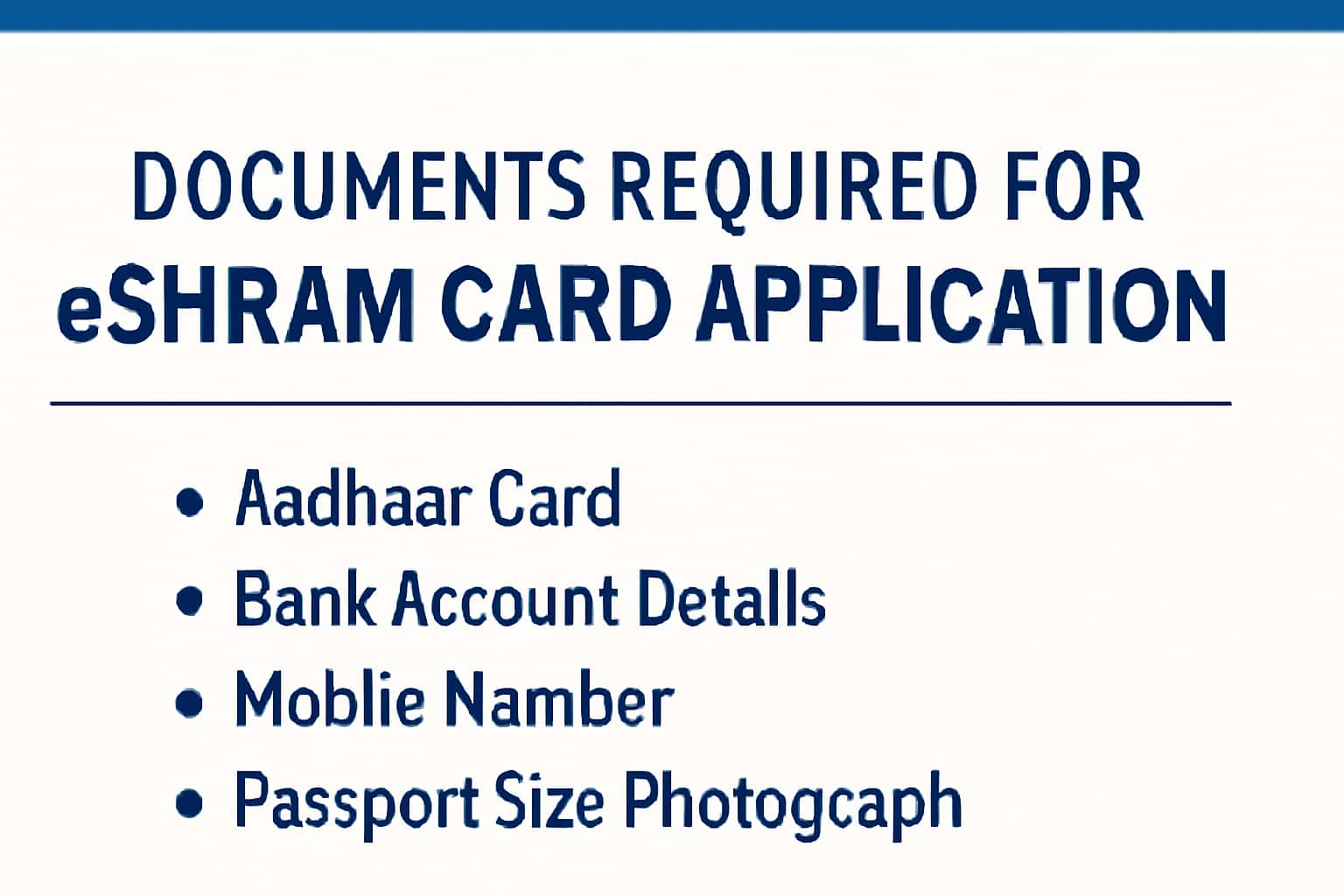
The eShram Card is a crucial initiative aimed at providing social security and benefits to unorganized workers in India. To apply for this card, it is important to have the correct documentation ready. This guide outlines the essential documents required for the eShram Card application.
For more detailed information on how to apply, you can check our application guide. Understanding the benefits associated with the eShram Card can also be beneficial, so feel free to read our benefits overview.
Who This Is For
The eShram Card is intended for unorganized sector workers across various fields, including agriculture, construction, and informal services. If you are a daily wage worker or a freelancer seeking social security benefits, this card is specifically for you.
- Daily wage earners in agriculture and construction.
- Self-employed individuals in the informal sector.
- Freelancers and contract workers.
Eligibility & Requirements (Verify Official Notice)
To be eligible for the eShram Card, applicants must meet certain criteria. These criteria can include age limits, income levels, and employment status. It is crucial to verify your eligibility on the official portal before applying.
- Must be a resident of India.
- Age requirement usually 16 to 59 years.
- Must belong to the unorganized sector.
Documents Needed
A successful application for the eShram Card requires specific documents. Ensure that you gather the following documents to facilitate your application process. Having these documents ready will streamline your application and minimize any potential delays.
Here’s a detailed list of the documents required for the application:
- Aadhaar Card (for identity verification).
- Bank account details (for benefit transfers).
- Mobile number linked to Aadhaar for OTP verification.
- Recent passport-sized photographs (usually 2-3).
It is recommended to keep both physical and digital copies of these documents. If you find any discrepancies in your documents, such as mismatched names or wrong details, correct them before proceeding.
- Aadhaar Card (for identity verification).
- Bank account details (for benefit transfers).
- Mobile number linked to Aadhaar for OTP verification.
- Recent passport-sized photographs.
Step-by-Step: How to Proceed
Once you have all necessary documents, follow these steps to complete your eShram Card application. The process is designed to be user-friendly, allowing you to apply from the comfort of your home.
1. Visit the official eShram portal.
2. Register using your mobile number and Aadhaar details.
3. Fill in the application form with required personal details like name, address, and occupation.
4. Upload the necessary documents as specified.
5. Submit the application and note down the reference number for future tracking.
6. After submission, check your registered mobile number for confirmation messages and OTPs.
- Visit the official eShram portal.
- Register using your mobile number and Aadhaar details.
- Fill in the application form with required personal details.
- Upload the necessary documents as specified.
- Submit the application and note down the reference number.
Common Issues & Fixes
While applying for the eShram Card, you may encounter some common issues. Here are a few solutions to help you navigate potential hurdles:
1. Issues with OTP not being received: Ensure your mobile number is linked to Aadhaar and check your network connectivity. If you still don't receive the OTP, try requesting it again.
2. Document upload errors: Check the file size and format requirements on the portal. Ensure your documents are in the correct format (PDF, JPG, etc.) and do not exceed the size limit.
3. Problems logging in: Verify your credentials and reset your password if necessary. If you forget your password, use the 'Forgot Password' option.
4. Application status not updating: If your application status is not reflecting on the portal, wait for a few hours and refresh the page. If the issue persists, contact the helpline for assistance.
- Issues with OTP not being received: Ensure your mobile number is linked to Aadhaar.
- Document upload errors: Check file size and format requirements.
- Problems logging in: Verify your credentials and reset password if necessary.
Frequently Asked Questions
Where do I verify the latest details?
Use the official portal/notification and cross-check dates.
What if I cannot login/apply?
Try the troubleshooting steps and verify OTP/KYC instructions.
How long does it take to process the application?
Processing times may vary, but typically it takes 1-2 weeks to get a notification regarding your application status.
What should I do if my application is rejected?
Review the reasons provided for rejection, correct any issues, and reapply. You can also reach out through the helpline for clarification.